The true cost of monthly SaaS for small businesses
Most small businesses we look at are paying $500-1500/month for software they don't fully use. Here's how that bill quietly grows, and what to do about it.
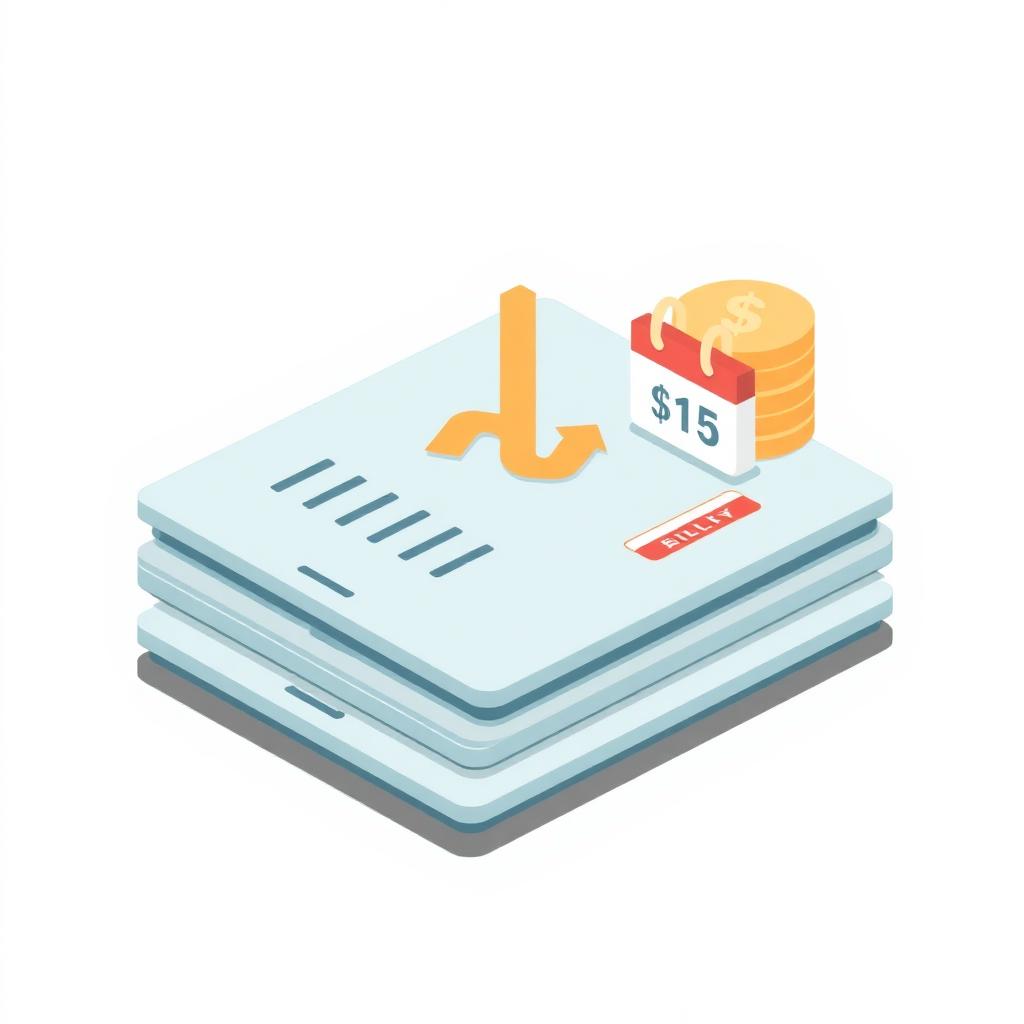
Most small businesses we talk to don't actually know what they pay for software each month. They know the big ones - accounting, payroll, maybe a CRM - but the total surprises them when they add it all up.
Where the money actually goes
A typical 10-person small business in BC is usually spending something like this every month:
- Accounting platform: $50-100
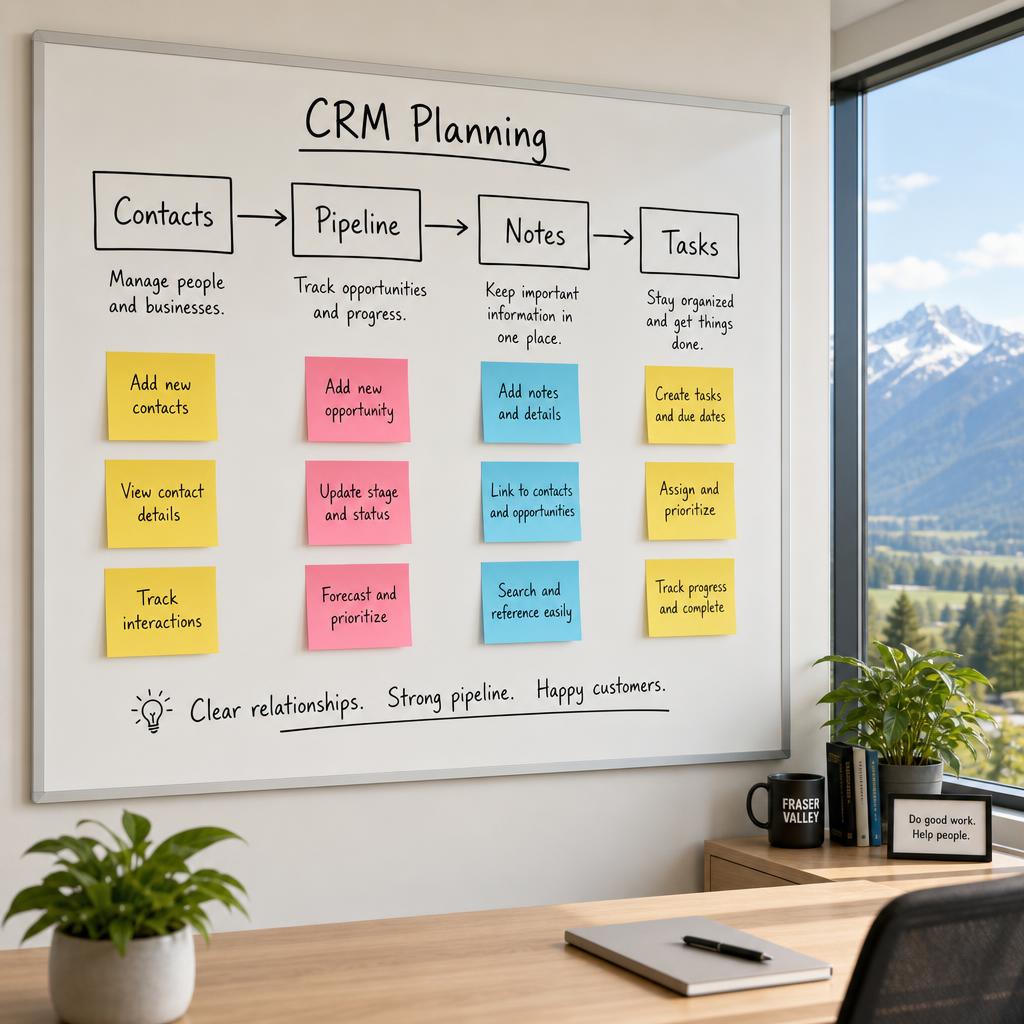
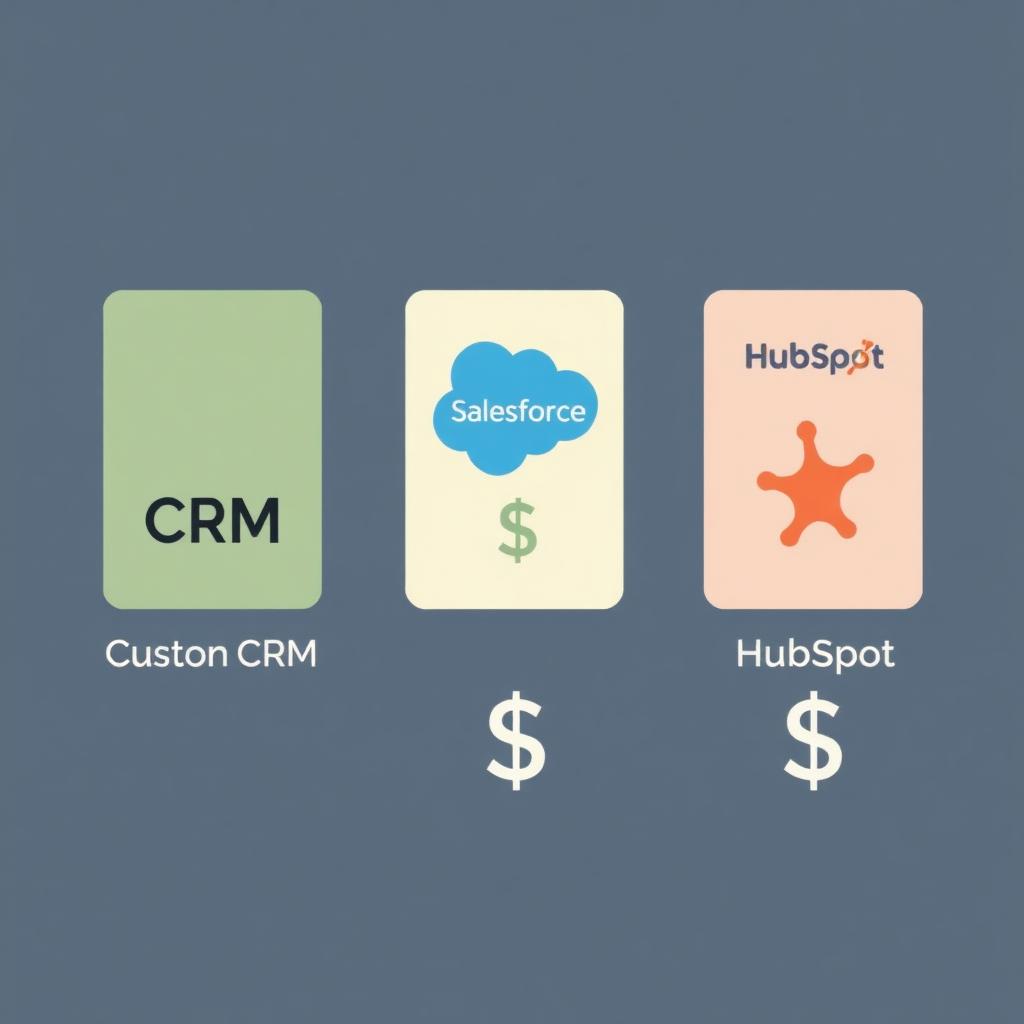
- Job/CRM/operations tool: $200-500 (per-seat scaling)
- Payments processor: $50-150 in fees and add-ons
- Calendar/scheduling tool: $30-100
- File storage: $50-150
- Email/marketing tool: $50-200
- Document signing: $20-50
- Random per-seat add-ons: $50-150
That's $500-1400/month, or $6,000-17,000/year. And most owners we ask haven't seen the full list in years.
Why the bill quietly grows
- Per-seat pricing means every hire raises the bill, often invisibly.
- Add-ons get added to solve specific problems and then never get removed.
- Annual price increases of 5-15% are normal and rarely questioned.
- USD pricing for many tools gets worse as the Canadian dollar moves.
- Tools you stopped using often keep charging.
What's worth replacing and what isn't
Not everything. Some things are genuinely better left to SaaS:
- Payroll (compliance is hard, the existing tools are good).
- Email (Gmail/Microsoft 365 are basically infrastructure).
- Card payments (Stripe and similar are fine).
- Tax software for accountants.
What's worth a hard look:
- Per-seat operations tools (CRM, job tracking, project management) that you're paying $300+/month for.
- Anything where you've stacked 2+ add-ons to bend the tool to your workflow.
- Anything where the reports you want need CSV exports every month.
- Anything you're paying for that the team mostly doesn't use.
The simple test
Add up the monthly cost of every tool that touches your operations (not infrastructure like email and payroll). Multiply by 24. That's roughly what a custom app sized to your real workflow would cost to build instead - and after that, the monthly cost stops.
If that number is bigger than what you'd pay to build the replacement, you've answered the question. The other 60-70% of cases, the math doesn't work yet, and you should stay where you are. Either way, the exercise is worth doing once a year.