Small app
One focused workflow built end-to-end. Replace a spreadsheet, a paper form, or a manual process. Launched in weeks.
Custom Business Apps
Off-the-shelf software almost fits, and that almost is what's costing you hours every week. We design and build custom business apps in three sizes, small, medium, and large, so you stop bending your operation around tools that weren't built for it. The result is the app your team actually opens in the morning instead of three different tabs.
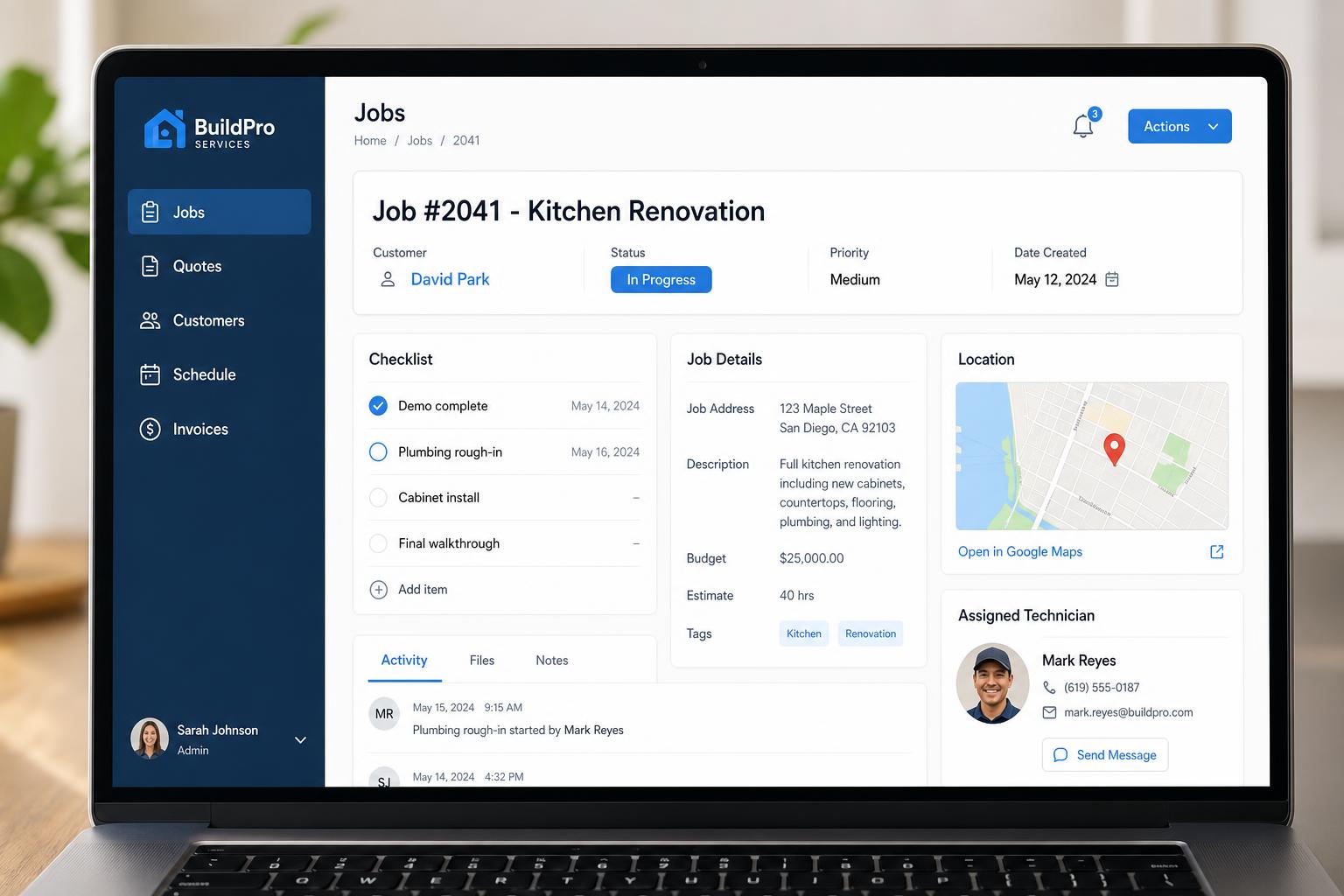
A few of the kinds of projects this service typically covers. Yours will look different, these are conceptual, to give a sense of scope.
One focused workflow built end-to-end. Replace a spreadsheet, a paper form, or a manual process. Launched in weeks.
Multi-user with roles, reporting, and an optional client portal. The system your team logs into every morning.
Company-wide operation with integrations, automation, audit trails, and milestone-based rollout.
Matter management for a law firm, dispatch and job tracking for trades, intake and case management for a clinic, multi-location ops for retail.
A short conversation about what you're trying to fix, who will use the app, and what the current workflow looks like.
We map the screens, data, and main features for the first version of the app, and agree on what's in scope and what's not.
We build using a fast, modern workflow with human review and testing at each step.
You try the app with real data. We refine layout, wording, forms, and flow until it feels right.
We help you launch, then improve based on how the app is actually being used.
A short conversation goes a long way. Share what's slowing you down, we'll suggest a practical first step.