Multi-practitioner clinic booking
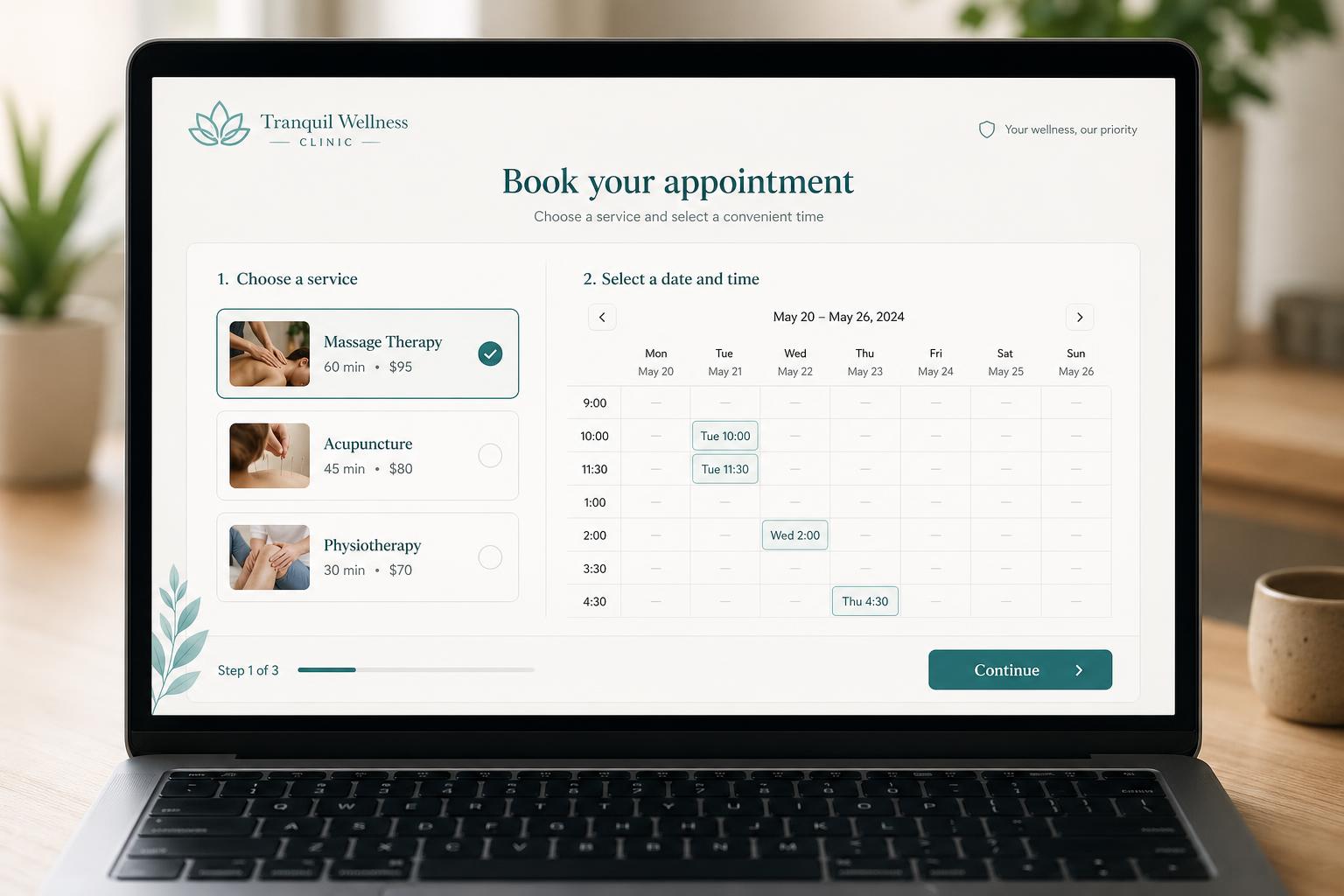
Clients pick a service, see available practitioners and times, complete an intake form, and get an automated reminder.
Booking & Scheduling Apps
Generic booking tools are great until your business has rules they don't understand, multiple staff, different services, intake forms, deposits, locations, or buffer time. We build booking apps that fit your actual operation, with a clean experience for customers and a simple admin view for the team.
A few of the kinds of projects this service typically covers. Yours will look different, these are conceptual, to give a sense of scope.
Clients pick a service, see available practitioners and times, complete an intake form, and get an automated reminder.
Customers request a visit, you confirm a time slot from an admin view, and the customer gets confirmation plus reminders.
Internal or customer-facing booking for shared resources with rules about overlap, duration, and approval.
Recurring classes, capacity limits, waitlists, and automated reminders without spreadsheet juggling.
A short conversation about what you're trying to fix, who will use the app, and what the current workflow looks like.
We map the screens, data, and main features for the first version of the app, and agree on what's in scope and what's not.
We build using a fast, modern workflow with human review and testing at each step.
You try the app with real data. We refine layout, wording, forms, and flow until it feels right.
We help you launch, then improve based on how the app is actually being used.
A short conversation goes a long way. Share what's slowing you down, we'll suggest a practical first step.