How to replace QuickBooks with a custom app (and when not to)
QuickBooks is a great tool until it isn't. Here's the honest version of when a custom app starts to make sense, and what the switch actually looks like.
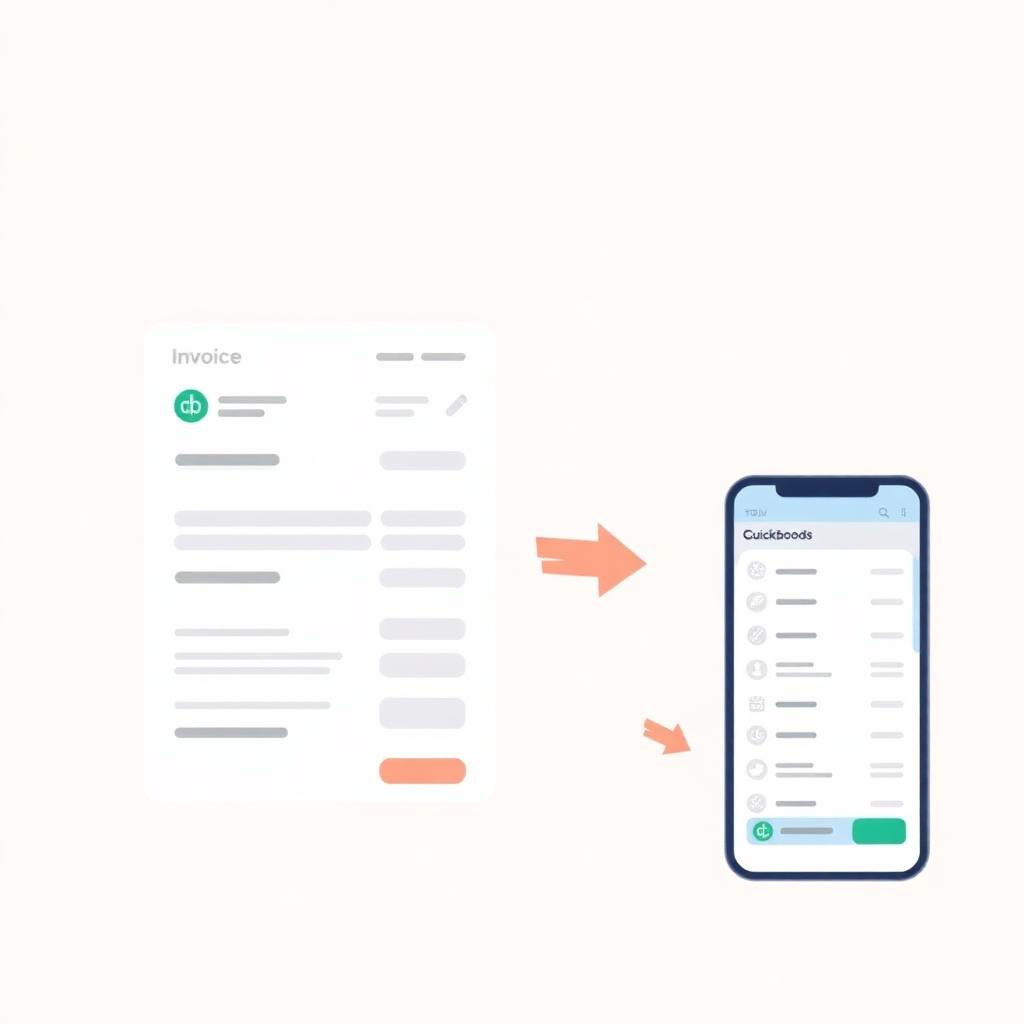
Most small businesses we talk to about custom accounting apps are not unhappy with QuickBooks the way you'd expect. They're unhappy with the stack QuickBooks has become. The core subscription, plus a job-tracking add-on, plus a payments add-on, plus a per-seat cost for every staff member, plus a monthly spreadsheet exercise to get the report the owner actually wants.
When that whole stack creeps past $300-500 a month, the math on a custom app starts to change. Here's the honest version of when it makes sense to replace QuickBooks, and when it doesn't.
When you should stay with QuickBooks
- You're a 1-5 person business with a standard chart of accounts.
- Your monthly bill (subscription plus add-ons) is still under $150.
- Your bookkeeper or accountant lives inside QuickBooks and you'd rather not move them.
- You don't need custom reports or unusual workflows.
If that's you, stay. QuickBooks is good at what it does. A custom app would be a worse fit, not a better one.
When a custom app starts to make sense
- Your monthly bill plus add-ons is over $300 and growing.
- You're paying per-seat and it's discouraging you from hiring.
- The reports you actually want need CSV exports and spreadsheet stitching every month.
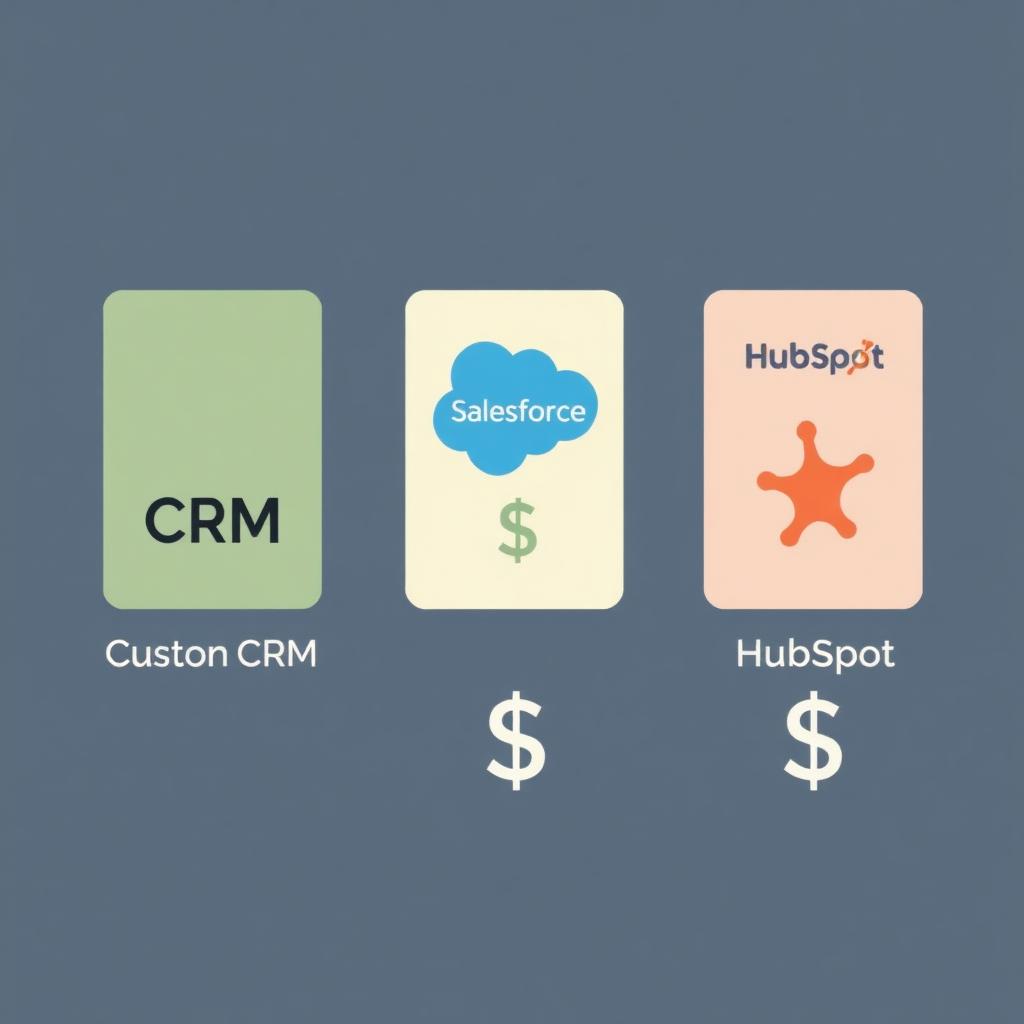
- You've added two or more add-ons to handle things QuickBooks doesn't fit.
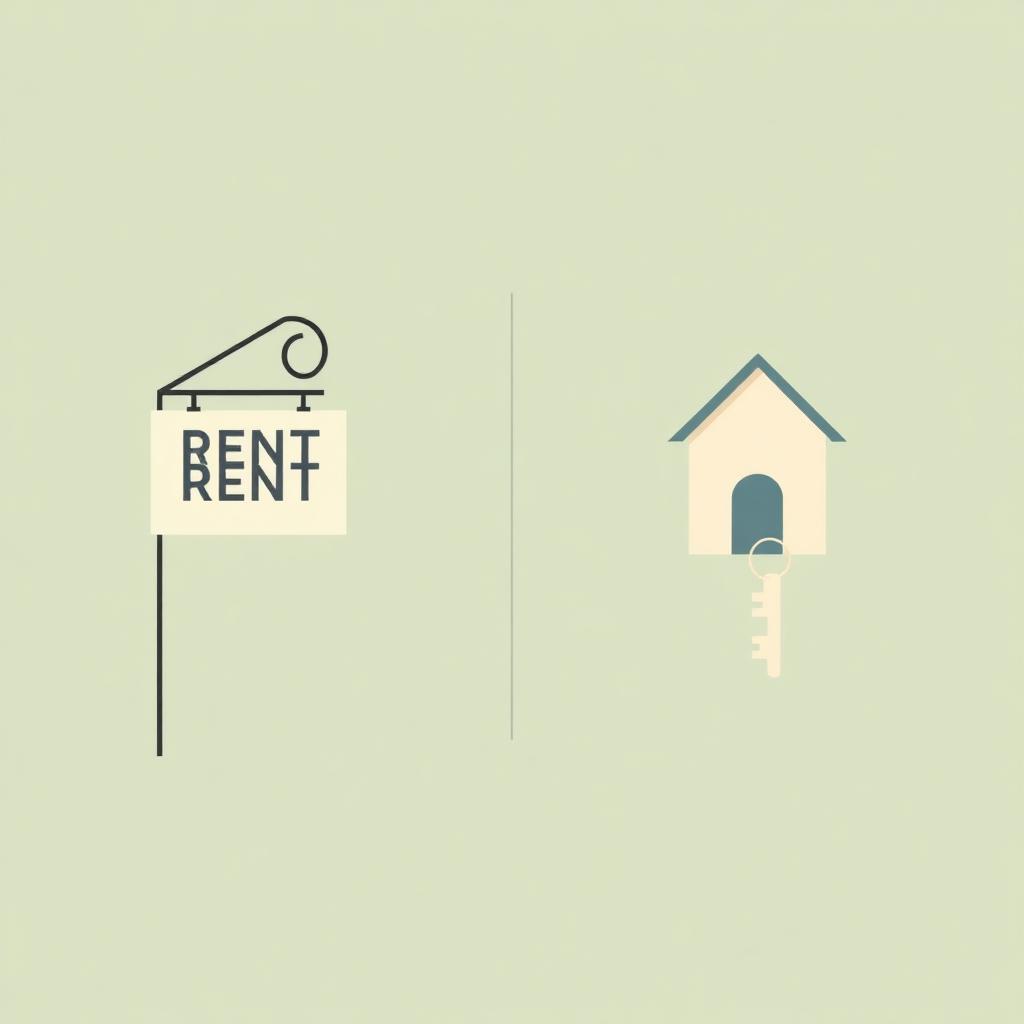
- You want to own the software outright rather than rent it forever.
At that point, a one-time build typically pays back inside 18-30 months on subscription savings alone, and then keeps paying back every month after.
What the switch actually looks like
1. Map the real workflow
Before any code, write down the actual flow: how invoices go out, how expenses come in, who approves what, what reports you actually look at. Most QuickBooks replacements fail because the team copied QuickBooks' workflow into a new tool instead of asking what the workflow should be.
2. Keep the bookkeeper involved
A custom bookkeeping app that the bookkeeper hates is a bad app. The right design produces a clean monthly journal they can drop into their year-end tool. Bring them in early.
3. Don't replace payroll
Canadian payroll has enough compliance complexity that an existing tool (Wagepoint, Payworks, ADP) is almost always the right answer. Custom apps integrate with payroll, they don't replace it.
4. Phase the cutover
Run both systems in parallel for one full month. Reconcile every transaction. Only cut QuickBooks off after a clean month-end close out of the new app.
5. Get clean export and ownership in writing
You should own the code, the database, and the data from day one. If the vendor ever disappears, your business keeps running. Get that in the contract.
What it costs
Custom bookkeeping apps typically range from $8,000 to $30,000 depending on scope. The math is straightforward: take your current stack's monthly cost, multiply by 24, and compare. If the build cost is less, the payback is under two years. After that, every month is pure savings.
The honest bottom line
For most small businesses, QuickBooks is fine. For the businesses where it isn't, the answer is almost never 'a different big platform.' It's a focused custom app sized to how the business actually keeps its books, owned outright, with no per-seat penalty for growing.