The 7 CRM pain points that quietly cost local businesses money
Most local businesses don't hate their CRM. They hate the seven small frustrations it creates every single day. Each one is small. Together they cost real money.
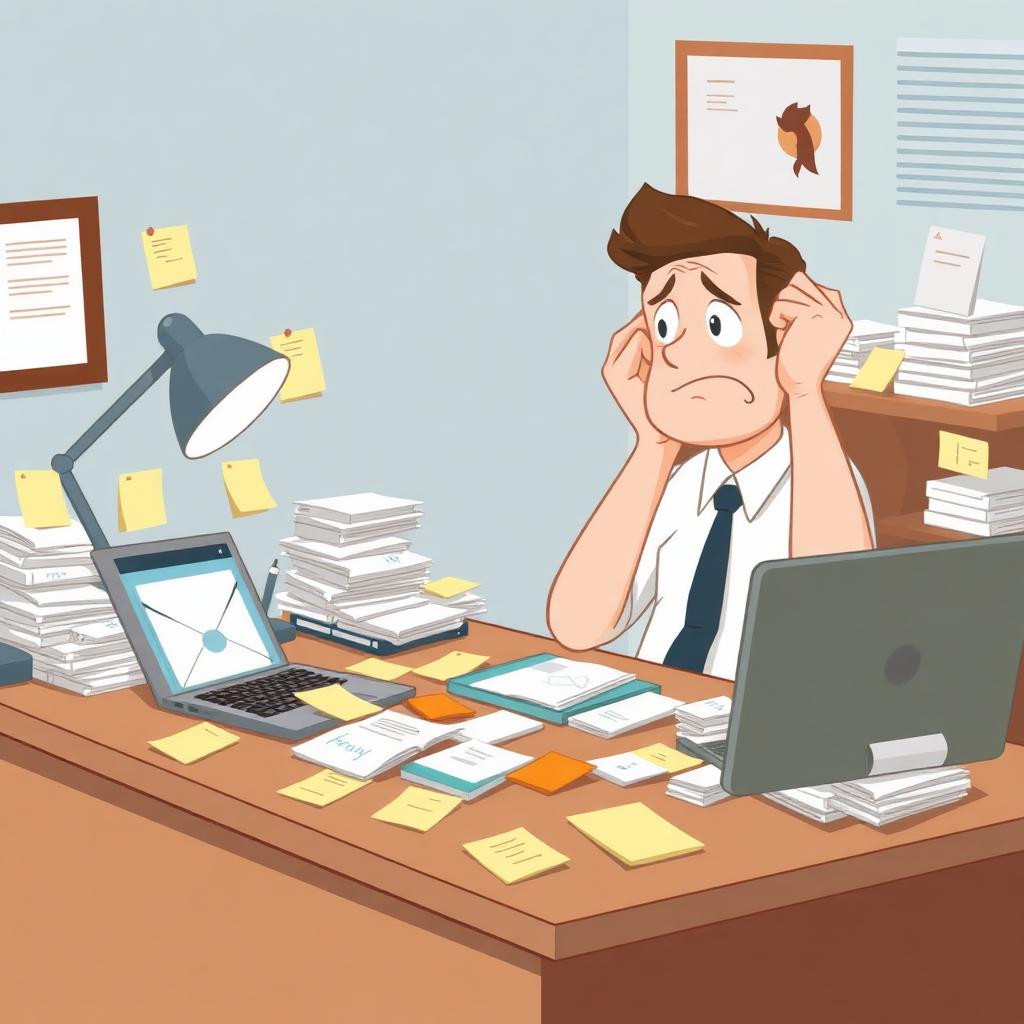
We talk to a lot of local service businesses, trades, repair shops, print shops, small offices. Almost all of them have 'a CRM' in some form. A big-name platform they pay monthly for. A spreadsheet that does the job. A pile of email threads and sticky notes that everyone politely calls a system.
Almost none of them are happy with it. And when you ask what's actually wrong, the same seven complaints come up again and again.
1. It does way too much, and you only use a tenth of it
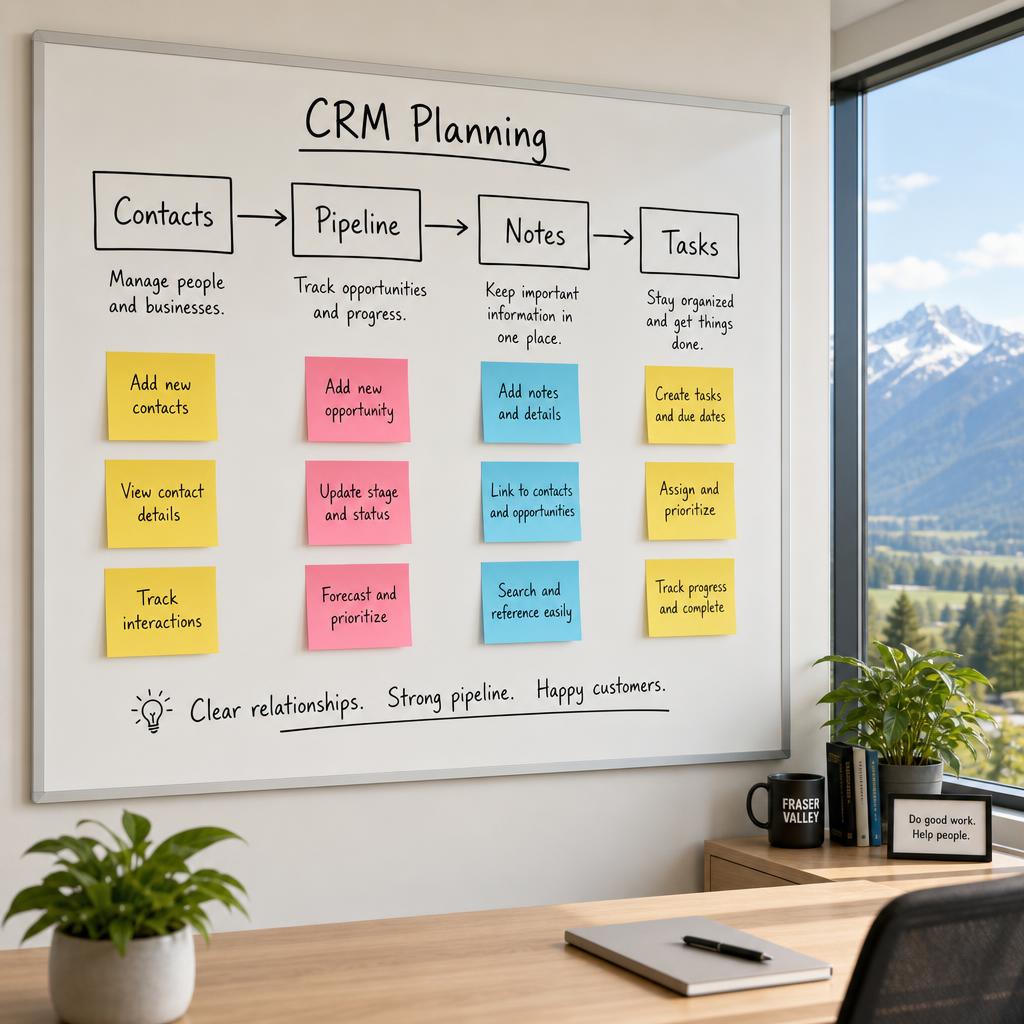
Big CRM platforms are built for enterprise sales teams. Local businesses end up paying for marketing automation, lead scoring, sales pipelines with seven stages, and dashboards designed for a VP of Sales, when all they really need is a list of customers, a status, and a next action.
The cost isn't just the monthly bill. It's the friction. Every screen has fields nobody fills in, buttons nobody presses, and menus nobody understands. The team avoids the tool because using it feels like work.
2. The team won't actually use it
This is the most common one. The owner bought it. The team uses it for a week. Then bookings go back into the calendar, notes go back into email, and the CRM quietly becomes a graveyard of half-entered records.
A CRM only works if entering information takes less effort than not entering it. Most generic tools fail that test the moment the customer call ends and the next one starts.
3. Nobody knows the real status of any customer
Where are we at with the Henderson quote? Did anyone follow up with that lead from last Tuesday? Has the deposit been paid? In most local businesses, the answer lives in one person's inbox or one person's head. When that person is off, the business slows down.
A useful CRM answers 'where are we at?' in under five seconds, for anyone on the team, without phoning around.
4. Follow-ups slip through the cracks
Quotes go out. The customer says 'let me think about it.' Two weeks pass. Nobody calls. The lead quietly dies. The owner never finds out, because the system never knew to remind anyone.
For most local businesses, one extra closed quote a month would pay for the entire tool. Yet the most common CRM 'feature' that goes unused is the simple reminder.
5. Customer information lives in five different places
Name in the CRM. Phone number in the office mobile. Quote PDF in someone's Downloads folder. Job photos in a shared drive. Invoice in QuickBooks. Notes from the last call in an email thread.
Pulling together a full picture of one customer becomes a small expedition. Most teams give up and just work with whatever piece is closest to hand, which is how things get missed.
6. Reporting is a half-day project, every time
Owners and managers want simple answers. How many quotes did we send this month? What's our close rate? Which jobs are overdue? In most generic CRMs, getting these numbers means exporting CSVs, opening them in a spreadsheet, and stitching things together by hand.
By the time the report is ready, the month is over. The tool that's supposed to show you the business ends up showing you last month's business, badly.
7. It doesn't match how the business actually works
Generic CRMs assume a generic sales cycle: lead, opportunity, deal, won. Real service businesses don't run like that. A plumber has dispatched jobs, parts ordered, and warranty visits. A garage door company has repair jobs plus install quotes. A print shop has proofs, revisions, and reorders.
When the tool doesn't match the workflow, the team invents workarounds. Workarounds become tribal knowledge. Tribal knowledge becomes the new bottleneck, exactly the problem the CRM was bought to solve.
What actually helps
You don't necessarily need a different big CRM. In most cases the answer is smaller, not bigger:
- A focused tool with only the screens the team actually uses
- Fields that match your real workflow, not a generic sales pipeline
- Automatic reminders so follow-ups stop slipping
- One source of truth that connects to the few systems that matter (calendar, accounting, email)
- A dashboard the owner can glance at in 10 seconds and know how the week is going
That's not a $300/month enterprise platform. It's a small custom tool, built around how your business actually runs, owned by you. For a lot of local businesses, that's the difference between a CRM the team avoids and one they reach for first.
Where to start
If three or more of these seven pain points sound familiar, the next useful step isn't to shop for another CRM. It's to spend 30 minutes writing down how your customer information actually flows today, from first call to repeat job. That single page is the brief for a tool that would finally fit.