What to prepare before building a custom business app
The single biggest factor in whether a custom app project goes well isn't the technology, it's how clearly you can describe the problem before the build starts.
Custom app projects rarely fail because of code. They fail because the problem wasn't well understood, the scope kept shifting, or the people who'd use the tool weren't involved early enough.
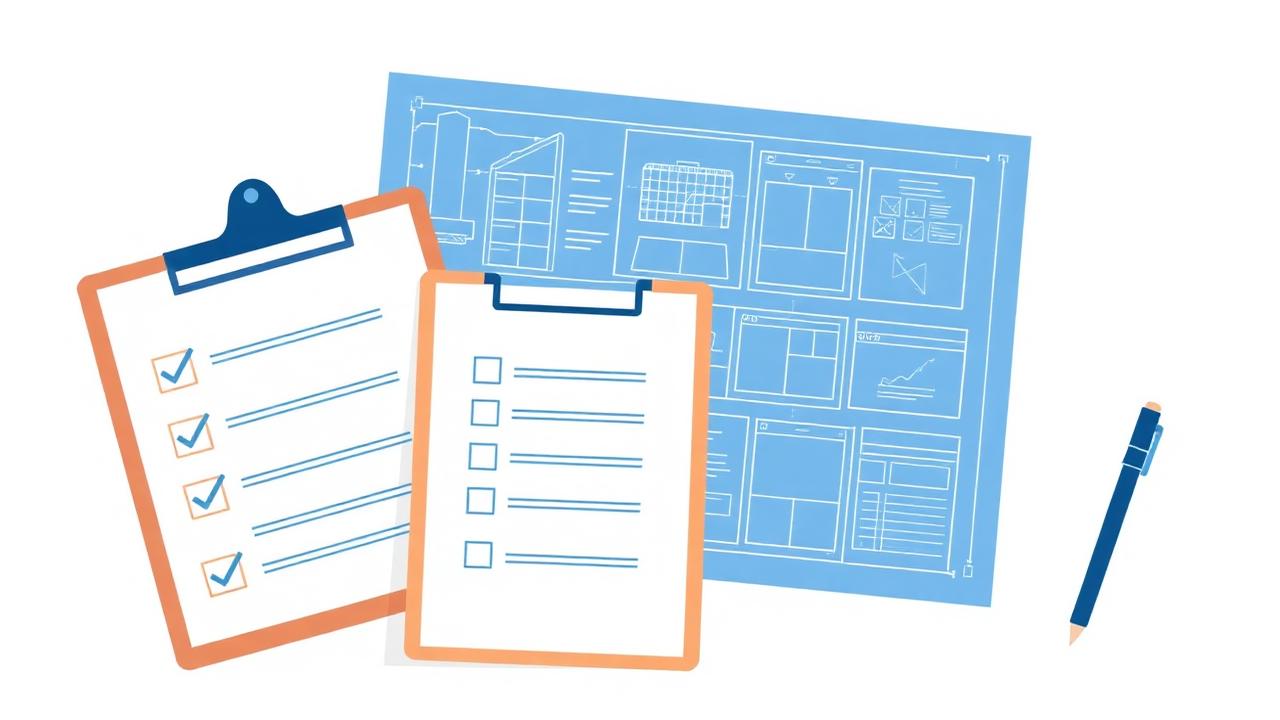
Here's a short checklist of what to prepare before kicking off a project. None of it requires technical knowledge.
1. Describe the problem in one paragraph
Not the solution, the problem. 'We can't tell which quotes are overdue for follow-up' is a much better starting point than 'we need a CRM with these 15 features.' The solution should be designed around the problem, not the other way around.
2. Identify who will use it
List the roles: owner, manager, staff, customer. For each one, write a sentence about what they'd use the tool for. Different roles usually mean different screens and different permissions.
3. Document how the workflow runs today
Even rough notes are valuable. What happens when a new lead comes in? Who handles it? What gets recorded, where, by whom? The current process is the starting point for the design.
4. Gather the data you already track
Spreadsheets, forms, sample emails, screenshots of existing tools. These show what fields matter and how the data connects. They're often the best brief a developer can get.
5. Decide what counts as 'launched'
Define the smallest version of the tool that would be worth using. Everything else goes on a 'later' list. A focused first version that ships beats a complete vision that drags on for a year.
6. Identify the integrations that actually matter
Most projects don't need to integrate with everything. Pick the one or two systems where data really must flow (e.g. your accounting tool, your email provider) and leave the rest for later.
7. Think about who will own it after launch
Who will add new users? Who answers questions when someone is confused? Who decides what changes next quarter? A clear owner inside the business is what makes a tool actually stick.
8. Be honest about sensitive data
If the app will store customer personal information, health information, payment data, or anything regulated, flag it early. The right design choices are very different when sensitive data is involved.
A short prep doc beats a long requirements document
You don't need a 30-page specification. A two-page document covering the points above gives any good developer enough to ask the right questions and propose a focused first version. The conversation that follows is where the project really gets shaped.