What kind of custom app does a small business actually need?
Custom software gets pitched as a cure for everything. In reality, most small businesses need one of a small handful of well-defined tools.

When small business owners hear 'custom app' they often picture something huge: a full software platform, a mobile app in the App Store, an enterprise system. In practice, the apps that actually move the needle are much narrower and much more focused.
Here are the categories that come up again and again, and how to tell which one fits your business.
Lightweight CRM
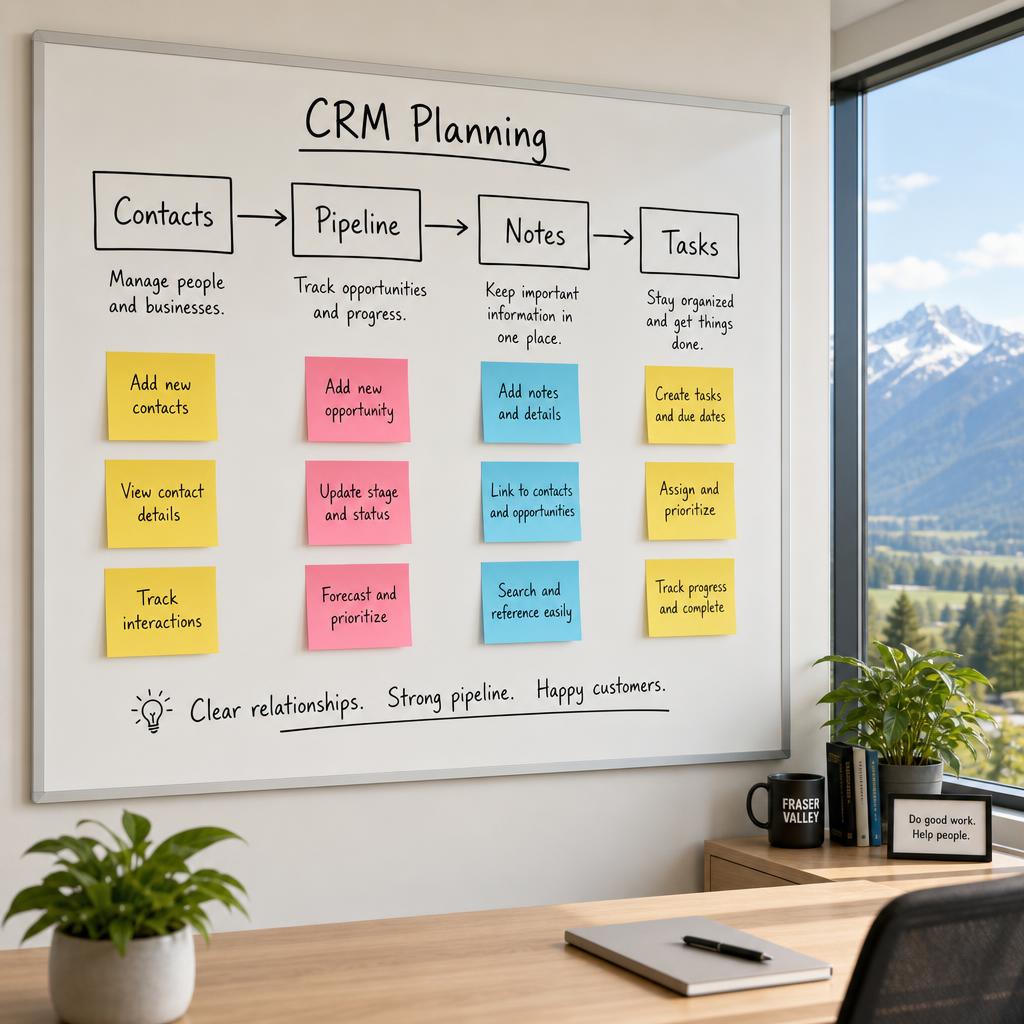
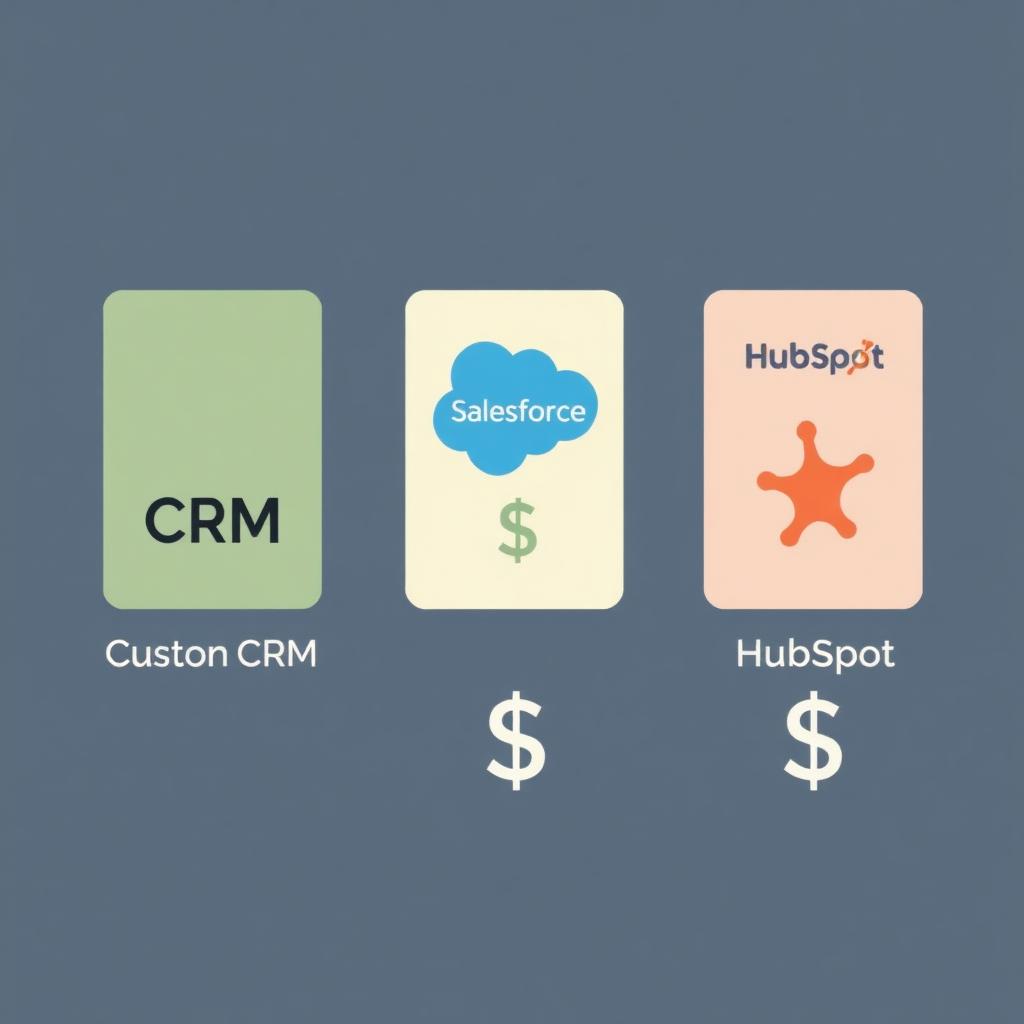
If your business is built on relationships, leads, quotes, follow-ups, repeat customers, a simple CRM is usually the highest-leverage thing you can build. Not Salesforce. A focused screen with your customers, their status, your next action, and a place for notes.
Signs you need this: customers ask 'where are we at?', quotes go out and never get followed up, multiple people contact the same lead.
Job or case tracking
Trades, repair shops, print shops, home services, anyone who runs work as discrete jobs benefits from a tool that tracks each job from intake to completion, with notes, status, owner, and customer-facing updates.
Signs you need this: customers email asking for status, jobs sit unassigned, deadlines slip without anyone noticing.
Booking and scheduling
Off-the-shelf booking tools work well for simple cases. Custom booking only makes sense when your scheduling has real complexity: multiple staff with different skills, intake forms tied to bookings, durations that depend on the service, or location-specific availability.
Client portal
A private area where customers can submit requests, upload documents, approve quotes, and check status. Best for service businesses that trade a lot of information with each customer: garage door installs, print shop proofs, repair shop status.
Be careful: customer logins introduce real responsibility. Sensitive data, authentication, and privacy all need proper planning.
Operations dashboard
One screen that shows the owner or manager how the week is going. Sales, jobs, bookings, follow-ups due, anything overdue. Boring on purpose. The value is being able to glance and know.
Internal task or workflow tool
A focused board for the team to see what needs doing, who owns it, and what's blocked. Generic tools (Trello, Asana) cover this well, custom only wins when your workflow has business-specific stages, automations, or data the generic tools can't model cleanly.
What you probably don't need
- A native mobile app, when a mobile-friendly web app would do the same job at a fraction of the cost.
- An AI chatbot bolted onto a workflow that isn't even documented yet.
- A 'platform' that tries to do CRM, booking, invoicing, and inventory all at once in version one.
- A rebuild of a tool that already exists and works, just because it's not custom.
How to decide
Pick the single workflow that costs you the most time, money, or trust today. Build a small, focused tool around exactly that workflow. Get it into real use. Then decide what to build next based on what you actually learned, not what you guessed at the start.