Number of user roles
Owner-only is cheaper than office + techs + customers. Each role is another set of screens and permissions to design and test.
Pricing
Custom CRM cost depends on scope. Every project gets a fixed quote in writing before the build starts, and the first scoping call is free. No hourly meter, no surprise invoice at the end.
What moves the price
Every quote is scoped from the same handful of variables. Two of them matter more than the rest.
Owner-only is cheaper than office + techs + customers. Each role is another set of screens and permissions to design and test.
QuickBooks, Gmail, website forms, Google Calendar, phone and SMS. Each connection adds real work, so we only build the ones that earn their keep.
A customer-facing portal is a second surface with its own login, permissions, and design. Skipping it is cheaper. Adding it later is normal.
Bringing your history over from a spreadsheet, Jobber, or an old CRM. Small and clean is quick. Big and messy takes real cleanup time.
Project sizes
Scope only, no dollar figures. Every quote is built for your specific situation on the scoping call.
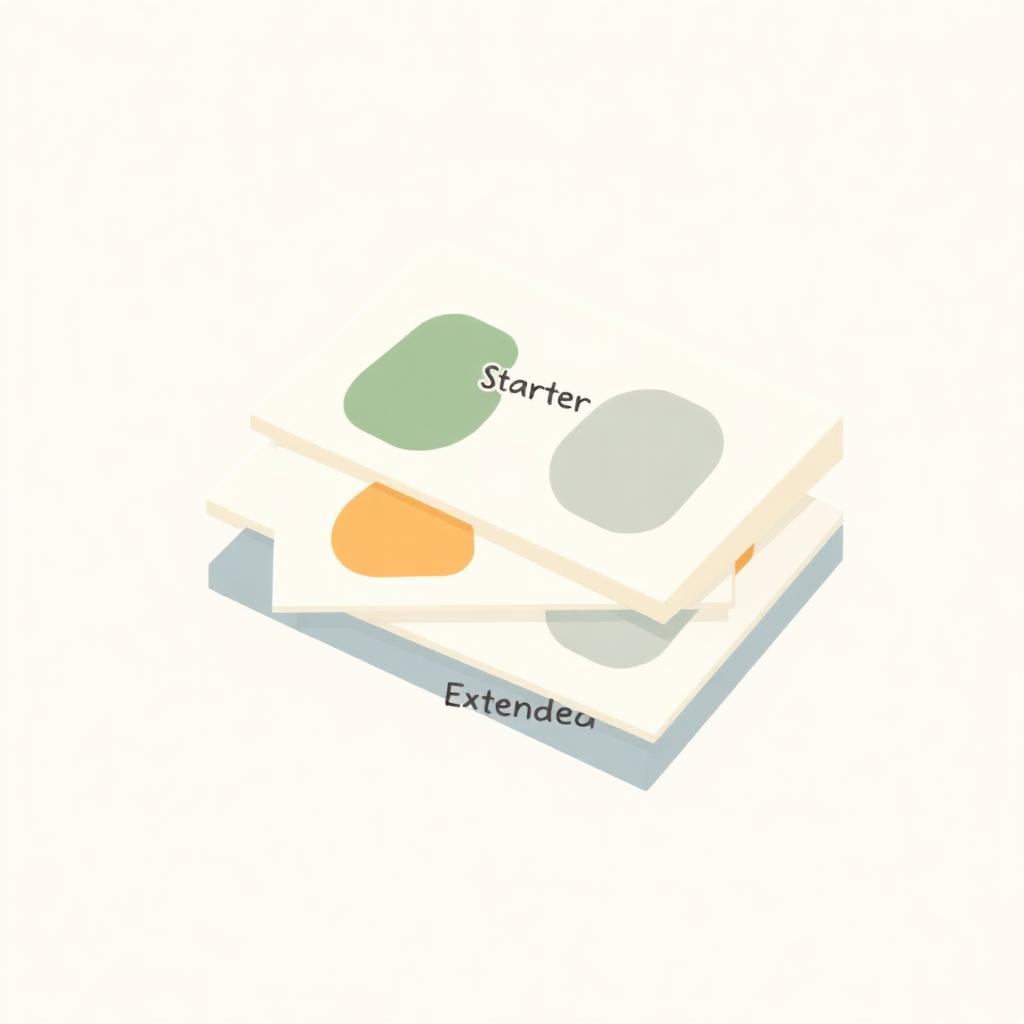
Starter
The smallest useful custom CRM. One clear workflow, one user role, a handful of screens. Good for a small team that wants to stop running the business out of a spreadsheet.
Standard
A full first version. Internal CRM for your team, a customer-facing portal, and the day-to-day automations that stop nothing from falling through.
Extended
A CRM shaped around a whole operation. Office, techs, owners, and customers each see the right view. Connected to the tools you already use.
Care plan
Optional, and only if you want it. Most clients start without a care plan and add one once the CRM is in daily use.
A care plan covers hosting, small changes, and new automations for a flat monthly fee. No hourly meter. If you want a new field, a tweaked form, or another automation, we add it in the same month and you pay the same fee.
Own vs rent
A quick way to think about it, described in terms of the pricing model, not specific dollars.
A six-person service company on a per-user SaaS platform pays every month, per seat, forever. Add a part-time hire and the bill grows the same week. Every renewal comes with a price increase you didn't agree to. Over three years, that per-user bill grows faster than the team does.
A one-time custom build flips that. You pay to build the CRM around your real workflow. After that, hiring the seventh person costs you nothing in software. Hosting is a small, predictable line item. Any care plan is flat. Over three years, the pricing model is the point: you stop paying more for growing.
The first scoping call is free. Tell us what your team runs on today and we'll come back with a scoped, fixed price.