10 signs your business has outgrown spreadsheets
Spreadsheets are the duct tape of small business operations. They start simple, then quietly grow into the system that runs everything, until they break.
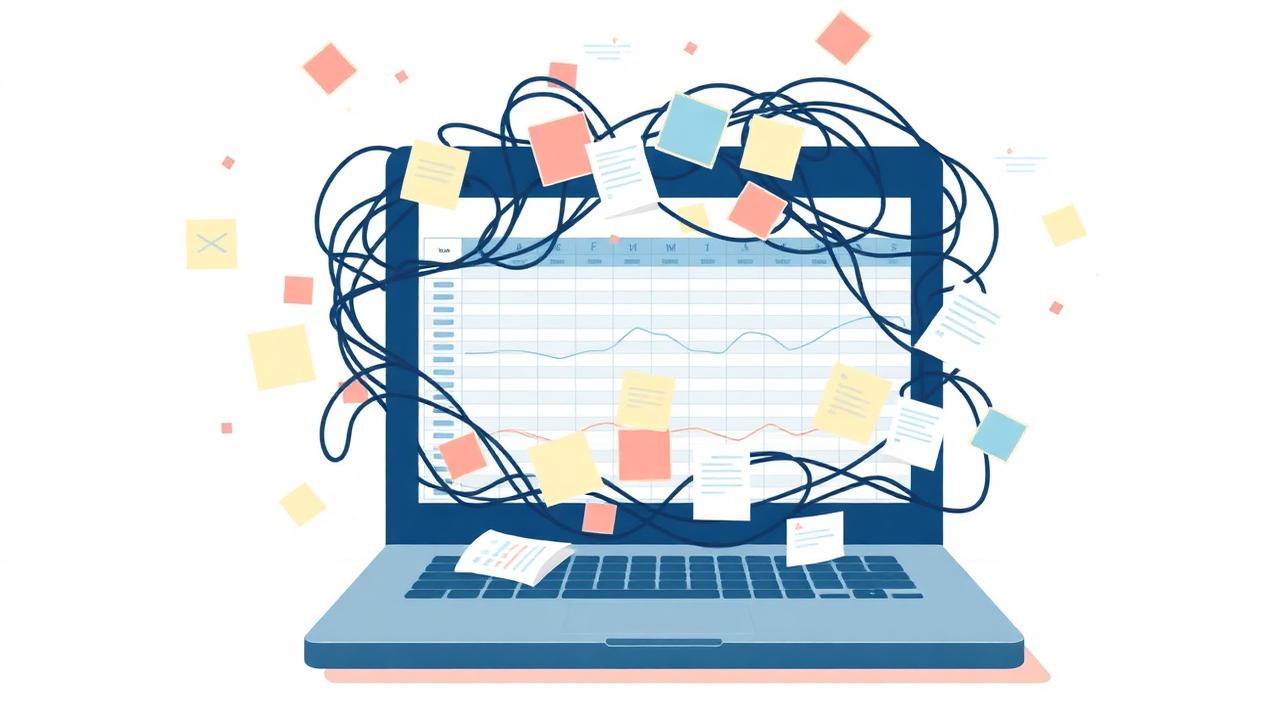
Almost every small business we talk to runs on spreadsheets in some form. Customer lists, job tracking, bookings, inventory, staff schedules, quotes, follow-ups, it all starts in a sheet because a sheet is fast, free, and familiar.
The problem isn't spreadsheets themselves. The problem is the moment a spreadsheet stops being a tool and starts being the system. Here are ten signs you've crossed that line.
1. Only one person really understands the file
If your operations would grind to a halt the day someone takes vacation, you don't have a system, you have a person with a spreadsheet. That's a fragile foundation for any business.
2. You're afraid to let staff edit it
When the team has read-only access because edits keep breaking formulas or deleting rows, the tool is no longer helping the team, it's protecting itself from the team.
3. You email the file back and forth
Multiple versions, conflicting edits, and 'final-final-v3.xlsx' attachments are a sign that the workflow has outgrown a single document.
4. Customer information lives in three places
Names in the sheet, emails in your inbox, phone numbers on a sticky note. If nobody can answer 'where are we at with this customer?' in under a minute, the data is too scattered.
5. You're manually copying data between tabs
Re-entering the same information into a quotes tab, then a jobs tab, then an invoicing tab is a clear signal you need a relational structure, not a flat grid.
6. Reports take half a day to put together
If answering 'how did we do last month?' requires exporting, filtering, pivoting, and stitching things together by hand, you're paying for the lack of a real dashboard every single month.
7. Things get missed
Quotes that never got followed up. Bookings that were double-booked. Customers who slipped through. Spreadsheets don't remind anyone of anything, they just sit there.
8. Onboarding a new hire takes weeks
If teaching someone the spreadsheet means walking them through a maze of color-coded rules and unwritten conventions, the workflow lives in tribal knowledge, not in the tool.
9. Mobile use is painful
Field staff, drivers, and people on the move can't usefully interact with a 40-column spreadsheet on their phone. If your business runs in the field, your tools need to work there too.
10. You've started building 'apps' inside the sheet
Macros, scripts, hidden tabs, dropdowns linked to other dropdowns. At some point you're not using a spreadsheet anymore, you're maintaining a fragile custom application with no version control.
What to do next
You don't need to throw the spreadsheet out tomorrow. The sheet is the specification. It already documents the data you track and the steps your team takes. The next step is to turn that into a focused tool with proper data, user roles, and a clean interface, built around the workflow you actually run.
If two or three of these signs describe your business, it's worth at least mapping out what a custom internal tool would look like. The cost of staying on spreadsheets is rarely zero, it's just hidden.