Website vs web app: what is the difference?
Most business owners don't care about the technical difference — they care about which one solves their problem. Here's how to tell.
Clients often start a conversation with 'I need a website' and end it describing something that's clearly an app — or vice versa. The vocabulary doesn't really matter. What matters is matching the tool to the job.
A website mostly tells
A website's main job is to communicate. It explains what you do, who you help, where you are, what it costs, and how to get in touch. Visitors read it, scan it, and decide whether to contact you.
Typical website features:
- Homepage, services, about, contact
- Blog or resource articles
- Lead capture forms
- Basic SEO and analytics
- Maybe a booking or quote request form
A web app mostly does
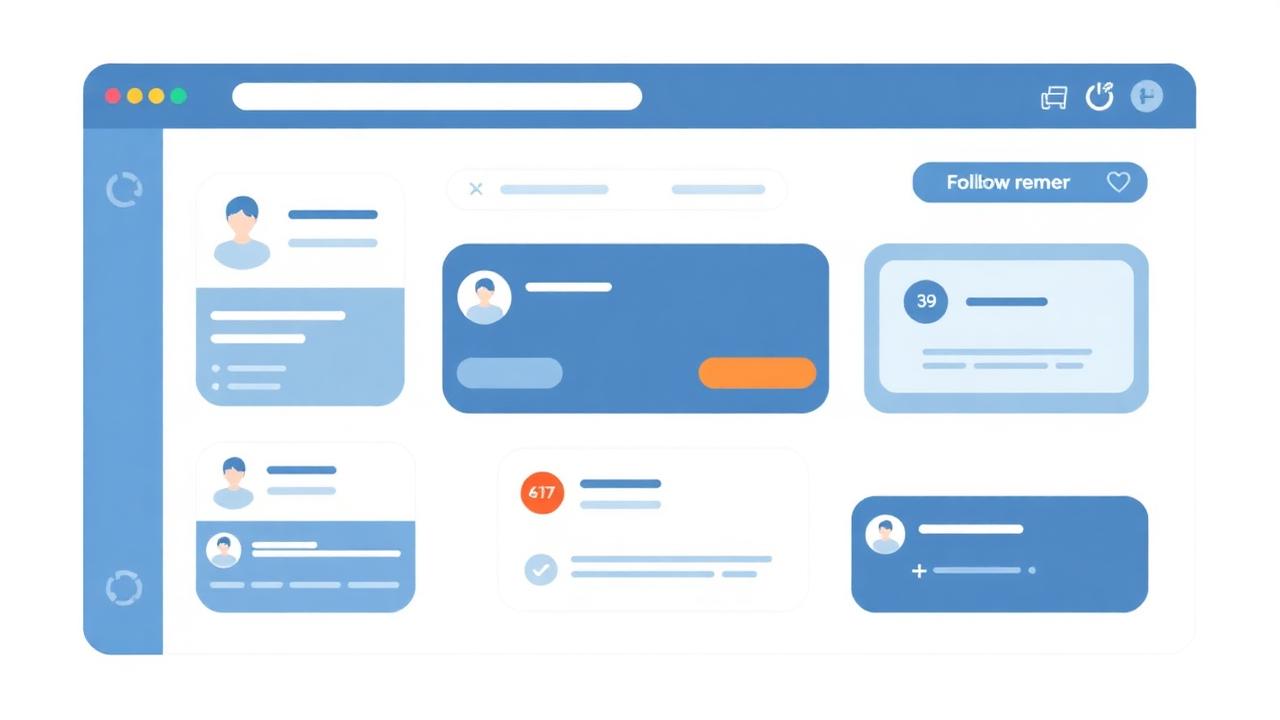
A web app's main job is to help someone perform a task. Users log in, enter data, manage records, see status, and take action. The interface is built around workflows, not marketing.
Typical web app features:
- User accounts and roles (staff, admin, customer)
- Database-backed records you can create, view, edit
- Dashboards, lists, filters, and search
- Forms tied to real workflows
- Notifications, reminders, exports
The grey area
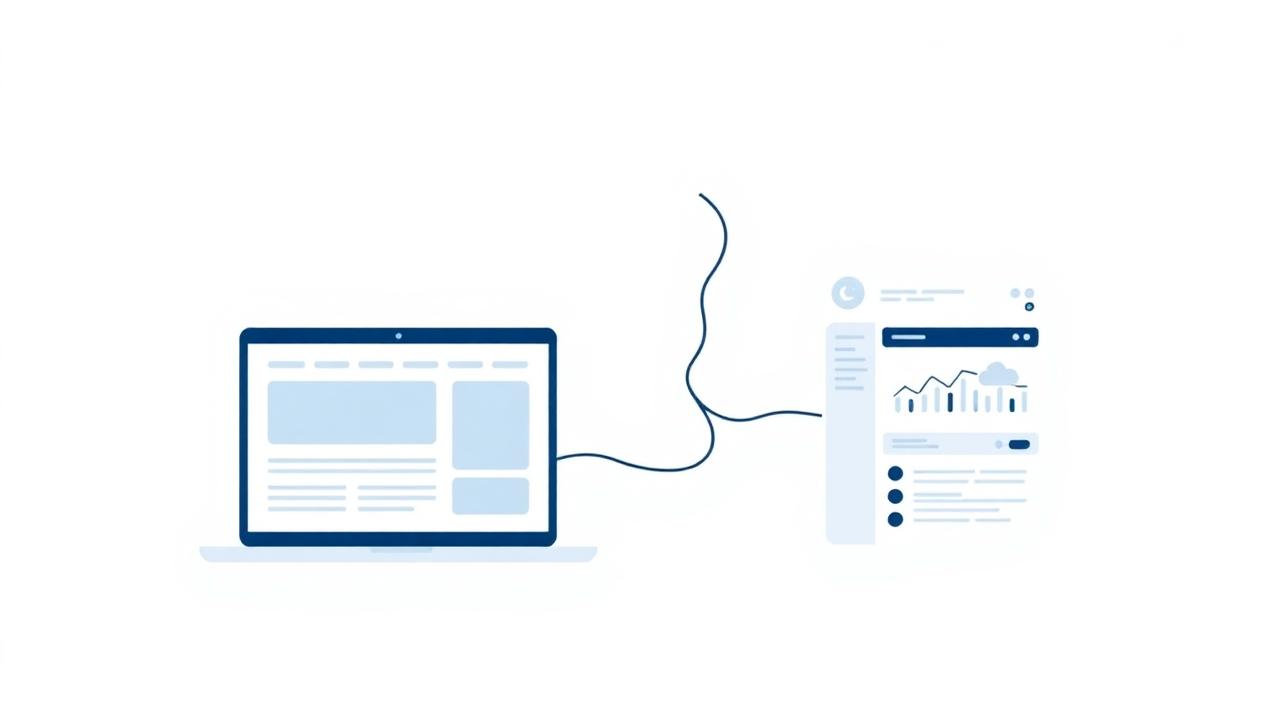
Plenty of projects sit in the middle. A restaurant website with a catering inquiry workflow and an admin dashboard. A consultant's marketing site with a private client portal behind a login. These projects benefit from being designed as both: a public-facing site that markets the business, with a focused app behind it that runs the work.
How to choose
- If the goal is to be found and contacted, you need a website.
- If the goal is to make daily work faster or more reliable, you need a web app.
- If the goal is both, build them as one connected project, not two disconnected ones.
Either way, the right starting point is the same: describe the problem in plain language, then design the smallest tool that solves it.