Instant reply to new leads
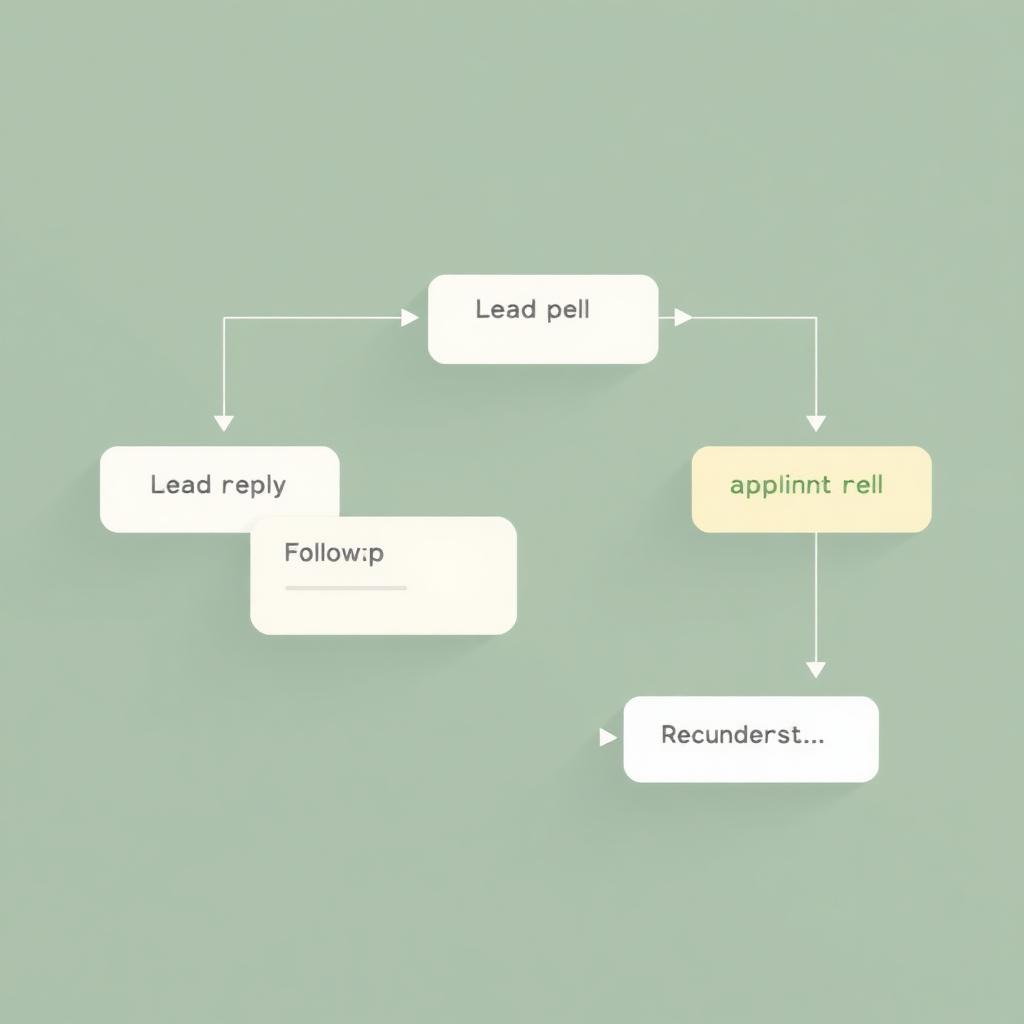
A new lead fills out your form. Within a minute, they get a friendly reply from your shop, and the lead lands in the pipeline for a real follow-up.
CRM automation
Most service businesses lose hours a week to messages that could have sent themselves: reply to a new lead, nudge a stale quote, confirm a booking, tell a customer the tech is on the way. Automation done well handles all of that quietly, so your team spends their time on the work that actually needs a human.
Examples
Six patterns that pay back the fastest. You pick which ones your business actually needs, and we build them into your CRM.
A new lead fills out your form. Within a minute, they get a friendly reply from your shop, and the lead lands in the pipeline for a real follow-up.
A quote sits at 'sent' for three days. The system nudges the customer, once, gently, and flags the quote for your team if it still goes quiet.
When a job is scheduled, the customer gets a confirmation with the date, the window, and the tech's name. A reminder goes out the day before.
When the tech starts the drive, the customer gets a text with an ETA. Fewer 'when will they be here?' calls, more customers ready when the truck pulls up.
When a job is closed, the customer gets a receipt, a thank-you, and a link to leave a Google review, at the exact moment they're happiest.
When a quote is approved, the right person on your team gets a ping to schedule it. Nothing sits in a shared inbox for two days waiting for someone to notice.
Booking and scheduling
Booking and scheduling are part of automation, not a separate product. When a customer books a slot, the CRM handles confirmations, reminders, tech assignments, and the 'on the way' text on the day of the job. Nobody in the office has to send any of that by hand.
FAQ
No, if the wording is right. We write the messages with you, in your voice. Customers should feel like the shop is paying attention, not that a system is.
Yes. Anything automated has an override. A regular customer who wants a phone call instead of a text can be flagged that way in the CRM.
Every automation is logged. You see what ran, when, and to whom. If something's wrong, we fix the trigger, not just the one bad message.
Tell us the admin task that keeps stealing hours. We'll tell you whether it's a one-day automation, a first CRM version, or something bigger.