Submit a request
Customers file a new request through a form that captures exactly what you need to quote or schedule the job.
Customer portals
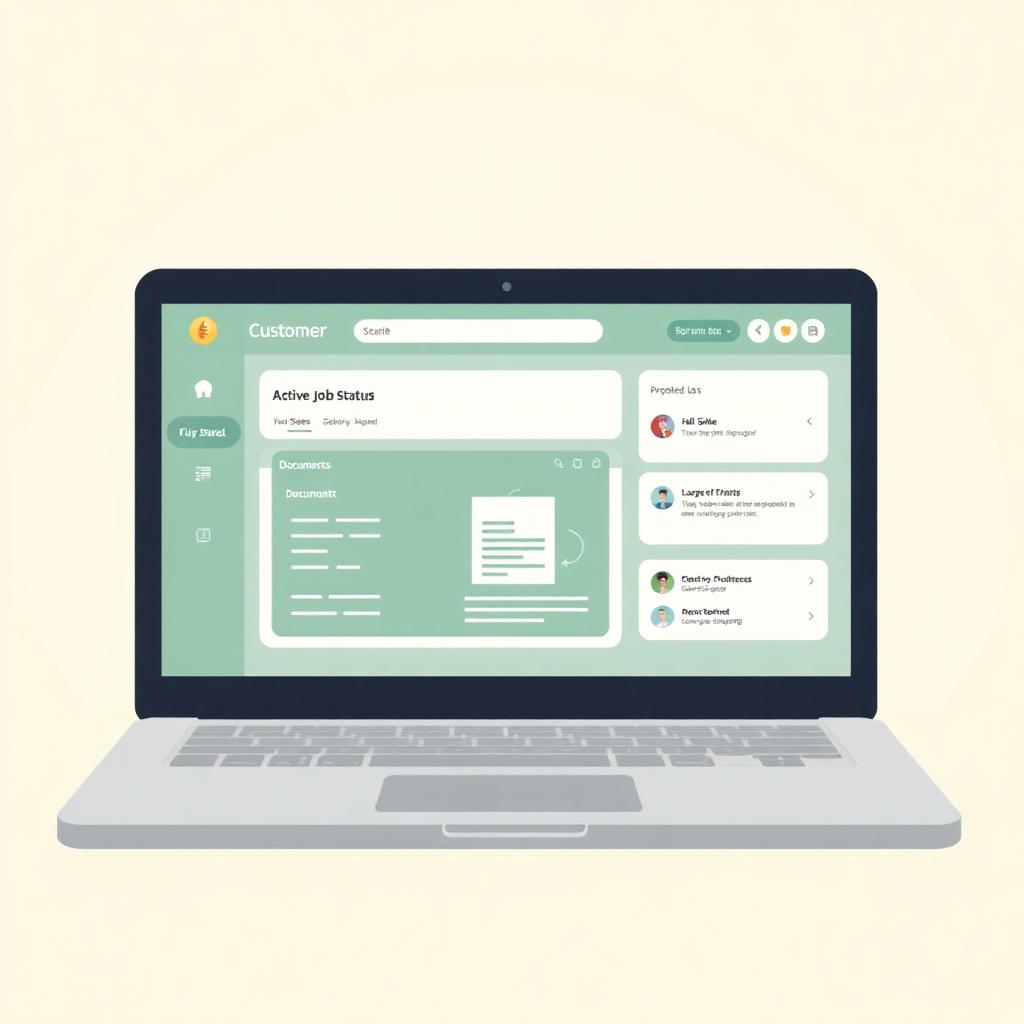
Most 'any update?' phone calls happen because the customer has no way to check. A customer portal fixes that. Customers submit requests, upload photos, approve quotes, and see live job status through a private link, all connected to the CRM your team already uses.
What it includes
Six things almost every service-business portal ends up doing. You pick the ones your customers actually need.
Customers file a new request through a form that captures exactly what you need to quote or schedule the job.
Photos of the broken part, the site, or a signed form arrive on the customer record, not in a text thread.
Customers open a quote, see the details, and approve it in one click. You see the approval in the CRM the same second.
'Received', 'scheduled', 'in progress', 'ready', 'invoiced'. Customers check status without picking up the phone.
A private thread on the job. No lost email chain, no personal phone numbers passed around.
Repeat customers place a follow-up job with the details already filled in from last time.
Fewer phone calls
Most update calls to a service business happen because the customer has no idea where things stand. They wait a day, then two, then they call. Your admin puts them on hold, walks to the back, asks a tech, comes back. That's five minutes of admin time on one call, and you take five of those a day.
A portal turns those five minutes into a two-second glance from the customer's phone. The shop stops answering the same question all day, and the customer feels informed instead of ignored.
Attached to the CRM
The portal is not a separate app with its own database. It's the customer's view into the same records your team works on. When a tech moves the job to 'in progress' in the CRM, the customer sees it in the portal. When the customer uploads a photo through the portal, it lands on the job in the CRM, tagged and time-stamped.
One source of truth, two views. That's the whole point.
FAQ
No. The portal is the customer-facing side of your CRM. Both live together and share the same customer records, jobs, and files.
Yes. Magic-link email logins are the norm, so customers never have to remember a password to check status.
Each customer only sees their own jobs, quotes, and files. Everything is hosted in Canada, and you control who on your team has admin access.
One short call. Tell us what your customers keep asking about, and we'll sketch a portal that answers it before they pick up the phone.