Website forms straight into the pipeline
A form on your site becomes a lead on your pipeline the moment it's submitted, tagged by source so you can see which pages actually bring work in.
CRM integrations
A CRM only earns its keep when the rest of your tools talk to it. Website forms should become leads on their own. Emails should attach to the customer. Invoices should end up in the accounting tool without a second entry. Integrations are usually part of the first build, not an afterthought.
What we connect
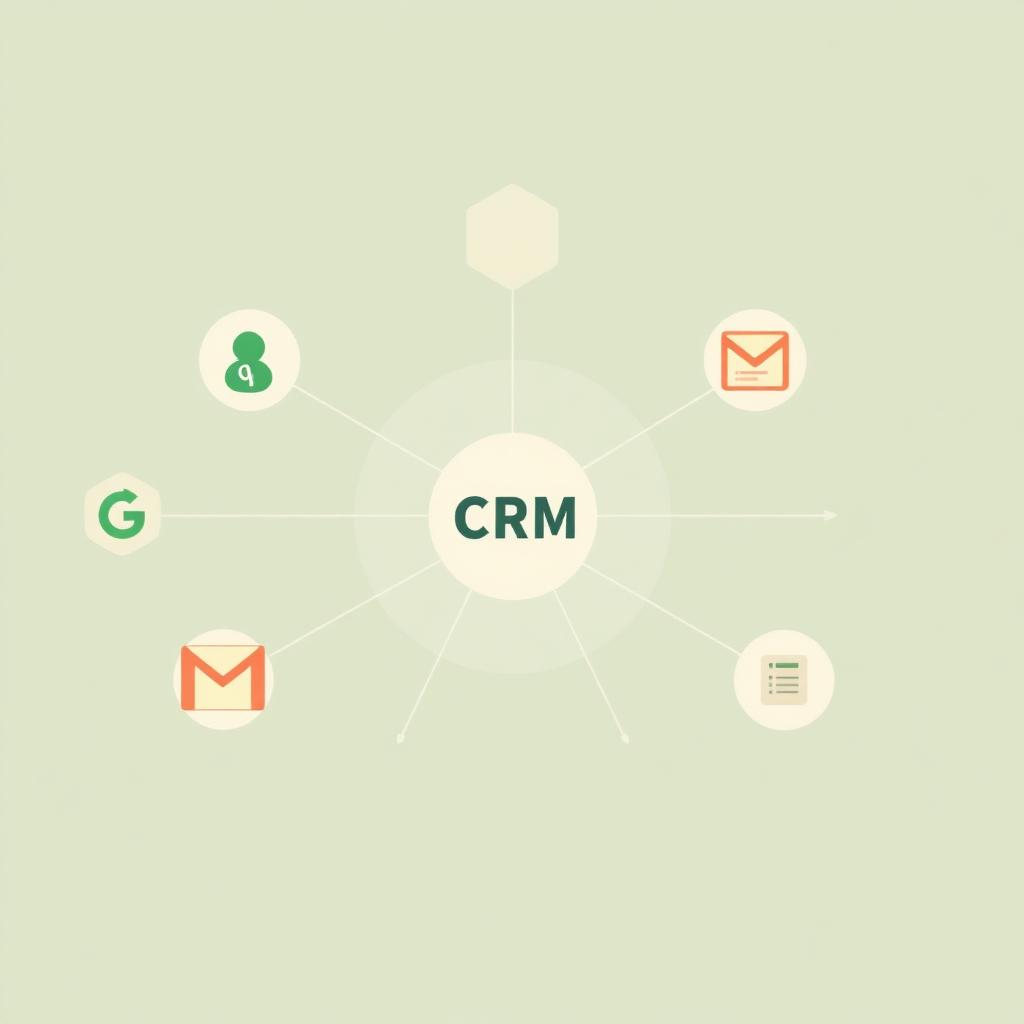
Six integrations cover most service-business builds. We do the ones you actually use, not a marketplace of hundreds you'll never open.
A form on your site becomes a lead on your pipeline the moment it's submitted, tagged by source so you can see which pages actually bring work in.
Emails to and from a customer show up on that customer's record. The next person on your team who opens the file sees the whole thread without asking.
Send an invoice from the CRM, and it lands in QuickBooks with the right customer, line items, and tax codes. Your bookkeeper's month-end doesn't change.
Jobs and site visits show up on the tech's calendar. Reschedule in the CRM and the calendar updates. Reschedule on the calendar and the CRM catches up.
Text customers straight from their record. Incoming calls and messages get logged against the right job, so the history is complete.
We import your customer list, jobs, and history from a spreadsheet, from an old CRM, or from a service platform you're leaving behind.
Migration
Most of the CRMs we build replace something. A stack of spreadsheets, a QuickBooks file that has grown its own tabs, a field service platform your team never really got on with. Migration is a normal part of the build. We pull your data out, clean up the duplicates, and map the columns to real fields in your new CRM.
FAQ
No. Most builds start with two or three integrations that pay back quickly (usually forms, email, and QuickBooks). Others get added later, once the CRM is earning its keep.
There's almost always a way in, whether that's a webhook, a scheduled export, or a small helper we build. We tell you straight if something is impractical to keep working over time.
No. That's the whole point. We export what you have, clean up the duplicates, and land it in the new CRM so your customer records still show what happened last year.
Tell us the two or three places your team keeps double-entering data. We'll tell you which integrations pay back fastest, and which aren't worth building.